What is Shutter Count and How Does It Affect Camera Lifespan?

check shutter count

I often start by saying the shutter count is a simple yet vital metric for judging a camera’s remaining shutter life.

I explain how a mechanical curtain and an electronic shutter work together to record each image and add to the total number of actuations.

What I pay attention to before buying a used camera

When I started looking at used cameras, I focused almost entirely on price and specs, and I nearly overlooked the shutter count. After a few experiences, I realized how important that number really is. I once considered a camera that looked perfect on the outside, but when I checked the actuations, it was already very close to its expected lifespan. That moment made it clear that shutter count is one of the simplest ways to understand how much a camera has actually been used

From my experience, I don’t treat shutter count as a strict limit, but as a reference point. A higher number doesn’t automatically mean the camera will fail soon, but it does help me evaluate risk and price more realistically. I also look at overall condition and how the camera was used, because those factors matter just as much as the number itself.

If I could give one practical tip, it would be to always check the shutter count together with real test photos. Look for signs like inconsistent exposure or unusual artifacts, and don’t rely only on appearance. Taking a few minutes to verify this information can save you from unexpected repairs later.

In my case, understanding shutter count helped me make smarter decisions and avoid buying equipment that would need servicing too soon.

To find this information, I use a computer to read EXIF data from a photo file, which usually reveals the most reliable actuation number.

Many mirrorless cameras and older digital models store this metadata, but Canon cameras sometimes hide the details and may need service tools or a menu trick.

Every time I press the shutter button, I add to that total, so knowing the camera shutter count helps me decide if a used model is a good buy.

Key Takeaways

  • The shutter count shows total actuations and hints at remaining life.
  • I read EXIF data on a computer for the clearest number.
  • Mirrorless cameras often store this info; Canon cameras may need extra steps.
  • Every press of the button increases the total and affects value.
  • Start with a JPEG to see if the metadata is accessible before deeper tools.

Understanding the Mechanics of Shutter Actuations

Seeing how a sensor is exposed—either by moving curtains or electronic timing—helps me judge long-term reliability.

Defining the Shutter Mechanism

I define a shutter actuation as the moment the mechanical curtain opens and closes to expose the sensor. For many DSLR models this involves the mirror flipping up and down as well. That combined movement is a complex mechanical event each time I press the button.

Electronic Versus Mechanical Shutters

Electronic shutters use no moving parts, so they do not add to the number shutter actuations on a camera. In mirrorless cameras, using an electronic mode lets me shoot silently and reduce wear on the physical mechanism.

I think of the total actuations like a car’s mileage: it gives useful information about wear on the device. The Slow Mo Guys footage of a DSLR mirror at 10,000 fps makes the precision of the mechanical shutter obvious and why tiny delays can ruin an image.

ComponentActionImpact on Actuation
Mechanical curtainsOpen/close over sensorCounts as one actuation
DSLR mirrorFlips up/down during exposureAdds mechanical cycles
Electronic timingNo moving partsDoes not add to actuations
Mirrorless modeElectronic or mechanical optionsCan extend mechanical life

Why You Should Check Shutter Count Regularly

A camera’s actuation number often reveals whether it has been gently used or hammered by heavy field work. I use that figure to judge overall condition before I buy or sell a body.

High numbers usually mean the mechanical shutter has seen a lot of use. That can hint at past bumps, repairs, or a higher chance of future failure. For DSLR and mirrorless models, the number shutter actuations helps me estimate remaining shutter life.

I also watch resale value. Buyers on eBay and Craigslist pay more for a low shutter count. A low number can turn a quick sale into a better price.

Environmental history matters too. Cameras used in rain, dust, or on sandy shoots often show higher shutter actuations than those stored carefully. I track this data so I can plan service or replacement before a failure ruins an image.

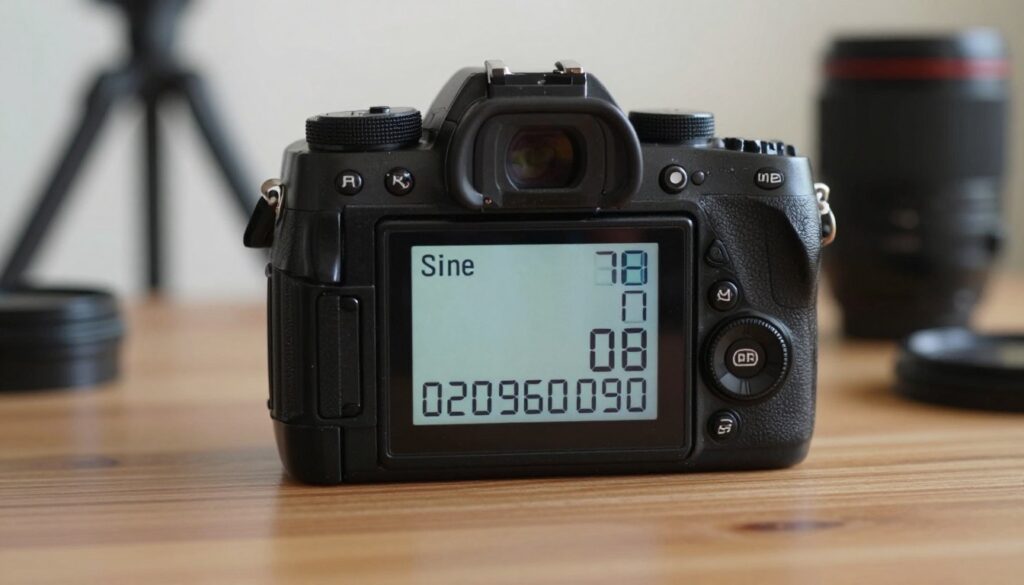
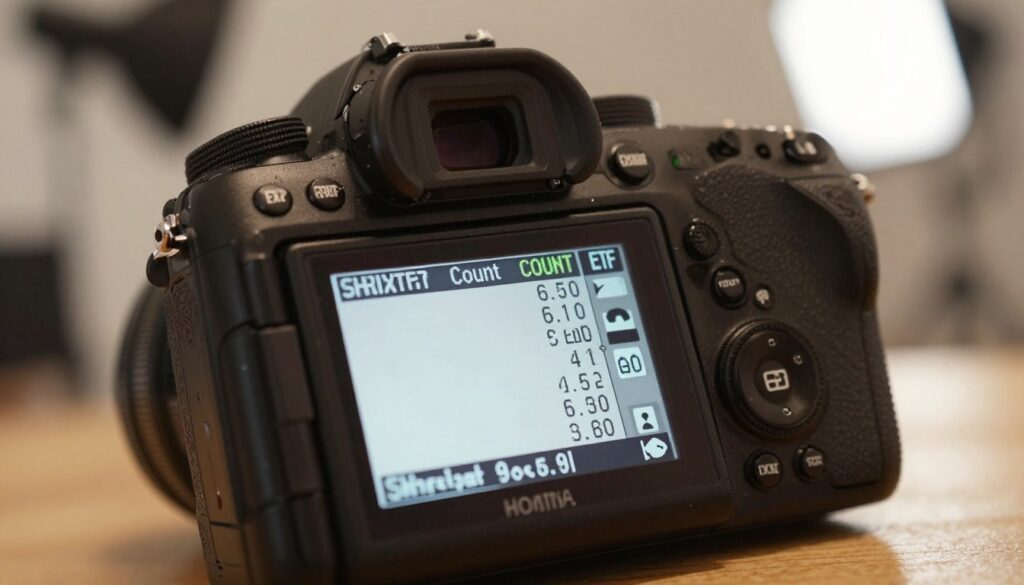
A close-up view of a digital camera displaying its shutter count on the LCD screen, prominently featuring the numbers in sharp focus. The camera is positioned on a wooden table, with soft, natural light illuminating its sleek design, creating gentle reflections on the surface. In the background, blurred photography equipment like a tripod and lens are softly out of focus, adding depth while emphasizing the idea of camera maintenance. The overall atmosphere conveys a sense of importance and professionalism, suggesting the need for regular checks and maintenance. The camera's textured grip and intricate details should be visible, inviting the viewer to consider the significance of shutter count in relation to camera longevity.

SignalWhat I infer
Low shutter countLight use, higher resale value
High shutter countHeavy use, consider service
Electronic shutter useDoes not add to actuations
  • I monitor the count regularly so the button presses don’t catch me by surprise.

How to Check Shutter Count Using EXIF Data

One fast way to learn a camera’s history is to examine the embedded metadata from an unedited photo.
I start by taking a fresh JPEG with the body in question and transferring it to my computer. Many Nikon, Pentax, and Sony models will expose the camera shutter count inside EXIF data, so a simple upload to a dedicated website often reveals the number quickly.

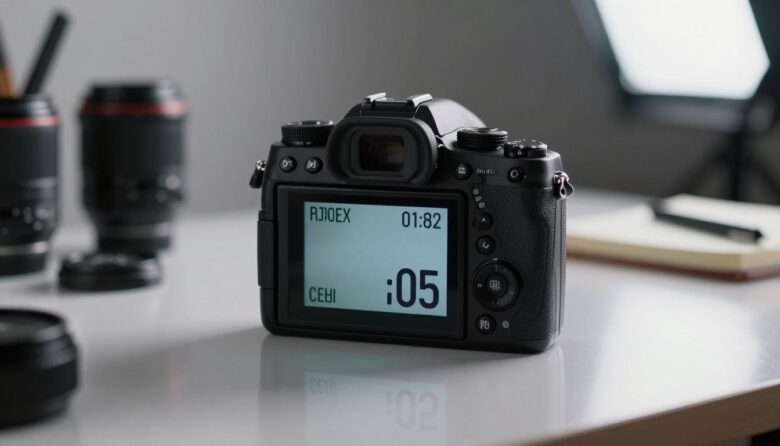
A close-up of a digital camera LCD screen displaying detailed EXIF data, focusing on the shutter count information. The foreground highlights the camera's sleek body, with metal and plastic textures visible. In the middle, the screen glows softly, illuminating the numbers and statistics about the shutter count in a clear, legible format. The background features a blurred photography studio setup with soft lighting, creating a professional atmosphere. The scene is well-lit with warm tones, enhancing the focus on the camera and its data. Use a shallow depth of field to emphasize the camera's details, making the image inviting yet informative, suitable for a technical article on camera maintenance.

Tools for Extracting Metadata

ExifTool is my go-to. It runs on Mac, PC, and Linux and reads maker notes where the camera shutter count is usually stored.

I prefer an unedited JPEG because editing apps can strip EXIF data. If you shoot RAW, switch to JPEG briefly and press the button to create a test image. That confirms whether your model writes the actuation value.

“Using the right tool makes the process fast and reliable for most modern cameras.”

  • If an online service or ExifTool can’t read the value, some brands hide this info or firmware updates may disrupt the record (Fujifilm X-T2 has had issues).
  • The shutter count exif value typically lives in Maker Notes, so specialized readers help.
MethodBest forNotes
Upload JPEG to websiteNikon, Pentax, SonyFast and simple
ExifTool on a computerWide format supportReads Maker Notes directly
Test shot in JPEGAll modelsEnsures metadata is written

Accessing Hidden Menus for Specific Camera Brands

Some manufacturers hide true actuation numbers behind firmware screens that only service mode exposes. I walk into those menus carefully, because they offer the most reliable usage data for a camera body.

Olympus and Panasonic Procedures

I have found Olympus and Panasonic store totals in hidden service menus. The sequences vary by model, and sites like Apotelyt list the exact button combinations.

Navigating Canon Firmware

Canon often hides the value deep in firmware. I usually connect the camera to my computer and use trusted third-party tools to read the camera shutter count safely.

Working with Ricoh Service Menus

For Ricoh GR and GX200, I enter service mode by pressing Playback and DISP together. Then I press right on the directional pad to reveal the second error history listing.

“I always exercise caution in service menus; one wrong change can alter camera behavior.”

BrandAccess MethodBest Practice
OlympusHidden firmware menu (button combo)Follow model guide on trusted sites
PanasonicFirmware screen via button sequenceDo not alter settings; record the number
CanonUSB + computer softwareUse verified third-party tools
RicohPlayback + DISP; then press rightView error history for exact actuations

Interpreting Your Results and Shutter Life Expectancy

When I read a camera’s actuation total, I treat it like a maintenance odometer that guides my next move.

See also  How to Safely Clean Your Camera Sensor at Home Without Scratching It

I compare the reported number to the manufacturer’s rated shutter life. For example, a Nikon D3500 is often rated at 100,000 shots, while some pro models list much higher targets.

Real-world data matters. The Canon 7D Mark II reached 199,591 shots—almost its 200,000 rating—before failing. That tells me ratings are useful but not absolute.

If I see high shutter actuations or odd artifacts—like inconsistent exposure or black bars in a photo—I treat that as a sign to plan service. Replacement usually costs about US$200–US$400 and the service center will reset the actuation total.

  • Use the actuation figure to decide whether repair or replacement makes sense.
  • Remember the electronic shutter does not add to mechanical wear, so I use it to extend life.
  • Treat shutter life as a Mean Time Before Failure, not a hard expiry.
MetricWhat I inferAction
Low numberLight use, higher resale valueKeep or sell
High numberIncreased wear, possible failuresBudget for service or replacement
Artifacts in imagePossible curtain or timing faultSend to service

Tips for Extending the Lifespan of Your Camera

Simple habits can add years to a camera’s working life. I keep my gear dry and avoid lens changes in windy or sandy places. That stops grit from reaching the delicate mechanical shutter and helps preserve overall performance.

I use an electronic shutter when conditions allow. This mode does not add mechanical actuations, so it lowers the total shutter count and extends shutter life on mirrorless cameras.

I also limit long bursts and avoid needless presses of the button. Less wear means fewer repairs and longer service intervals.

  • I always protect my camera from dust and moisture.
  • I change lenses carefully to keep debris out.
  • I send the body for service if movement feels sluggish or sounds odd.
ActionWhy it helpsWhen to apply
Use electronic modeReduces mechanical actuationsSafe shooting environments
Avoid dust exposurePrevents wear on shutter mechanismLens changes outdoors
Limit burst useSlows total button pressesNon-critical shoots
Regular servicingFixes early faults, prolongs lifeWhen sounds or errors appear

Conclusion

Treat the actuation total as a helpful yardstick, not an absolute deadline for replacement.

I hope this guide helped you learn how to check shutter count and why that number matters for shutter life. Use the actuation reading alongside physical condition and service history when you evaluate a body.

If EXIF data hides the value on certain models, especially some Canon cameras, use trusted tools or ask a pro. When possible, prefer an electronic shutter to reduce mechanical wear.

If the mechanism nears its expected life, professional service can restore performance. Stay informed and your camera will reward you with many more great shots.

FAQ

What is shutter actuations and how does it affect my camera’s lifespan?

I define shutter actuations as the number of times the camera’s exposure mechanism has fired. That number helps estimate remaining service life because manufacturers rate mechanical components for a projected number of uses. I use that figure when buying used gear or planning maintenance to avoid unexpected failures during shoots.

How does the shutter mechanism work in DSLRs and mirrorless cameras?

I explain that traditional DSLRs use a mirror and a mechanical curtain that moves to expose the sensor, while many mirrorless models combine a mechanical curtain with an electronic option. The mechanical parts wear with each press, so understanding which mechanism your model uses helps me judge longevity and service needs.

What’s the difference between an electronic and a mechanical exposure system?

I point out that electronic exposures read the sensor without moving parts, which reduces physical wear, while mechanical systems rely on physical movement and therefore have a finite lifespan. Both modes can affect image quality and shooting behavior, so I consider the trade-offs when choosing settings.

Why should I verify the number of actuations regularly?

I recommend regular checks because the figure shows real wear and helps me plan servicing, budget for repairs, or decide when to upgrade. Frequent shooters and pros should monitor it to prevent failures during important assignments.

How can I read actuations from EXIF metadata on my images?

I use metadata tools to extract camera records embedded in photos. Many utilities reveal the exposure tally saved in the file header. If the camera embeds this value, the data gives me a reliable snapshot of usage without opening the body.

Which tools help extract metadata that includes actuation numbers?

I rely on widely used apps and desktop programs that parse EXIF and maker notes. Some websites and mobile apps also show metadata, but I prefer local tools for privacy and accuracy. Always pick a tool known to read manufacturer-specific tags for the best results.

Can I access hidden menus on my camera to find the exposure tally directly?

I say yes for many models. Several brands include service or diagnostic screens that show internal counters. Access methods vary, and some require specific button sequences or firmware versions, so I follow official guides or service notes to avoid accidental changes.

How do Olympus and Panasonic models reveal internal actuation information?

I note that certain Olympus and Panasonic bodies expose service data through manufacturer menus or diagnostic modes. The exact procedure depends on the model and firmware; I consult model-specific resources and proceed carefully to prevent altering settings unintentionally.

What about locating the tally on Canon cameras via firmware or menus?

I explain that Canon stores usage data in multiple places—EXIF maker notes and sometimes service screens. Accessing firmware menus can show the number, but accessing them often requires exact key sequences or official tools. I suggest following Canon documentation or a qualified technician for precise steps.

Are Ricoh service menus useful for finding the number of actuations?

I confirm that Ricoh provides service or maintenance menus on many models that include internal counters. The entry method and label differ by model, so I check Ricoh support materials or trusted community guides to find the correct path without risking settings.

How should I interpret the result and estimate remaining life?

I compare the indicated tally to the manufacturer’s rated endurance for that model. If the number approaches or exceeds the rating, I prepare for maintenance or replacement. I also consider usage patterns: heavy burst shooting or long exposures may accelerate wear beyond the raw number.

What factors change how long a camera lasts beyond the manufacturer’s rating?

I list real-world factors like shooting frequency, environmental exposure, lens changes, and handling. Service history and previous repairs affect reliability, so I factor those into my estimation rather than relying only on published actuation figures.

How can I extend the mechanical life of my camera?

I recommend sensible habits: use electronic modes when available, avoid unnecessary shutter presses, keep the body clean and dry, and perform periodic professional servicing. Simple steps like reducing accidental power-cycling and using proper lens-mount techniques help too.

Does using an electronic exposure mode eliminate the need for maintenance?

I clarify that electronic operation reduces mechanical wear but doesn’t remove the need for care. Sensor, electronics, and other moving parts still require upkeep. Regular inspections and servicing remain important for long-term reliability.

Where can I get professional service if my camera approaches the rated lifespan?

I advise contacting the brand’s authorized service center or a reputable repair shop. Authorized centers provide official parts and documentation, while experienced independent technicians can offer faster turnaround and cost-effective solutions depending on the issue.

Is the metadata always accurate for every camera model?

I warn that not all manufacturers embed reliable use data in image files. Some bodies report only certain counters or reset values after service. I cross-check EXIF readings with in-camera service menus or service records when accuracy matters.

Can I check the exposure tally on a used camera before buying?

I suggest asking the seller for recent images or asking them to show the in-camera diagnostic screen. I also recommend independent inspection or having a technician verify internal counters to avoid surprises after purchase.

Are mirrorless cameras generally more durable than DSLRs because of fewer moving parts?

I say mirrorless designs often reduce mechanical wear due to fewer moving parts, especially when relying on electronic shutter modes. However, durability varies by model and components, so I evaluate each camera’s build quality and service history rather than assuming superiority.

Leave a Reply

Your email address will not be published. Required fields are marked *